A Few Things Home Technology Does For Me
Convenience & comfort.
- Turn off the lights and set the shades right from my mobile phone with Lutron.
- Open the garage and unlock the door when I arrive home with SmartThings.
- Watch over my home when I'm away with Blue Iris.
- Enjoy a movie at the touch of a button with Logitech Harmony.
- Start the air conditioner 20 minutes before I arrive home with Nest.
Control and monitoring from anywhere.
- Keep tabs on what's going on at the house.
- Remotely access files, programs, or computers while on the go, or at work.
- Get reminders to turn off the lights.
- Use a VPN service to access my local LAN.
- Adjust home automation preferences.
When work is over, it's time to play.
- Turn on and off my entertainment devices with a single button.
- Dim the lights for "movie mode".
- Stream movies through my network with Plex Media Server.
- Watch TV on my mobile phone while away from home.
- Record TV to my server.
SmartThings
The SmartThings hub is the backbone of my home automation system. It’s the easiest to learn and one of the most versatile home automation platforms out there right now. Whether you’re building an alarm and monitoring system or going full home automation, SmartThings has what you need.
pfSense
pfSense is a flexible router & firewall with advanced features, that is well-suited for both residential and commercial use. As far as home routers go, it overcomes the limitations of most and outperforms in reliability as well.
Windows Home Server 2011
I use WHS 2011 as my main server, which handles automatic backups for home computers, runs Plex Media Center for streaming throughout the house, acts as a general file server, allows remote access through DDNS, and is capable of much, much more.
Blue Iris
Blue Iris is PC-based software that turns your computer into a full blown security camera DVR. It’s compatible with almost any security camera out there, so you don’t have to worry about being tied down to a single manufacturer.
QNAP
Networked attached storage is more than a hard drive enclosure that sits in the corner nowadays. In fact, the QNAP NAS I use is almost as capable as my WHS 2011 box! Used primarily as a backup source for my network, it could just as easily be a media server, a VPN server, or a complete desktop workstation!
IOT...The future is here
SmartThings Home Automation
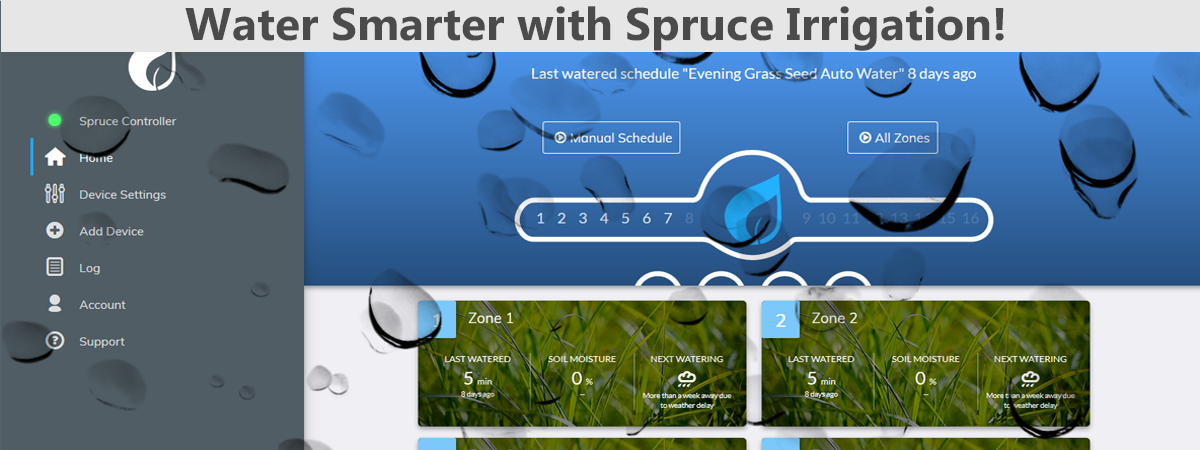
Of all of the IOT devices I currently own, I think the SmartThings hub has the most promise. Backed by technology giant Samsung, SmartThings is compatible with the Z-wave and Zigbee standards. The handful of devices I have paired with my SmartThings, including a door lock, irrigation controller, and WiFi cameras have made this device a must-have. Read more about the SmartThings ecosystem.
Lutron Lighting
Lutron Casèta is an automated, whole-home lighting solution that plays well with other home automation hubs, like SmartThings and Harmony, as well as smart home products such as the Nest Thermostat and Serena Shades. The hub excels at controlling dimmable lights, allowing anyone to create intricate lighting scenes. It has native support for Apple HomeKit, but it also works well with Amazon Alexa, Google Home, and Google Assistant! Read more about Lutron home automation.
Logitech Harmony
The Logitech Harmony is a home entertainment AND home automation solution rolled into one. It has out-of-the-box support for Lutron and Nest, and an add-on "extender" can enable control of Z-wave and Zigbee devices. It's an incredible all-in-one solution for home entertainment, and easily integrates with other smart home products. It's nice when leaving the house- turn off the TV and the lights, all from the Logitech remote. Read more about Logitech Harmony.
-
How to Fix Your AT&T Samsung S9+ Battery Drain
-
How To Add New Devices to a Google Home
-
Google Home Hub
-
How to Use webCoRE- Using Multiple Sensors Together
-
SmartThings Bed Occupancy Sensor
-
How to Use webCoRE- Motion Sensors
-
How to Use WebCoRE- Variables and For Each Loops
-
How To Set Up Google Home Continued Conversations
-
pfSense- Security and Stability Forever
-
How To Use Windows 10 as a Home Server